
Last updated: October 10, 2026
Key Takeaways
- The most useful features are accurate location tracking, flexible grouping, SERP detail, scheduled reports, and exports.
- Buy a rank tracker when it gives decision-grade data for the markets you actually serve.
- For agencies and teams, collaboration tools matter more than cosmetic charts.
- Simple trackers often win on speed and clarity.
If you are buying a rank tracker, the real question is not “which tool has the most features?” It is “which features will keep me from making bad SEO decisions every week?” I write about SEO software selection, and the right rank tracker is the one that gives clean location data, reliable history, and reporting you can trust without spending an hour untangling it. In this guide to Rank Tracker Features to Look for Before You Buy, I focus on the parts that affect decisions, not just dashboards.
The features that matter before you pay for a rank tracker

The features that matter most are accurate location tracking, flexible keyword grouping, SERP feature tracking, scheduled reporting, and exportable data. Those are the pieces that decide whether a rank tracker helps you manage SEO or just decorates a dashboard.
A generic buying guide often gets this wrong by talking about “visibility” in the abstract. I would ignore that language. What you need is a tracker that can answer practical questions: did this keyword move in Chicago, on mobile, in English, on March 3, and did the result include a map pack or a featured snippet? If the tool cannot separate those conditions, the rank number is only half a story.
The first feature I would look for is location precision. A tool that tracks only country-level positions can miss the reality of local intent. For a dentist, law firm, home service brand, or franchise, city-level tracking is the baseline; neighborhood-level tracking can matter too. If the product does not let you set market, device, and search engine variations cleanly, it will blur the signal.
The second is SERP feature visibility. Rankings without context are misleading because a position “3” can mean very different traffic depending on whether ads, a featured snippet, videos, shopping results, or a map pack sit above it. A tracker should tell you what kind of result page produced the ranking.
The third is history and trend depth. A single weekly snapshot can be useful, but a tool that stores change over time is what lets you connect ranking movement to site changes, content updates, or technical fixes. If a product only gives recent data with no meaningful archive, you are buying a calendar, not a tracker.
The fourth is reporting that can be exported or shared. If the only way to show progress is through the vendor’s dashboard, you may still want a tool that makes sharing easy, because teams often need exports, scheduled email, and client-friendly views.
The fifth is keyword grouping and tagging. That matters because 500 keywords are useless if you cannot split them by page, intent, product line, or location. A tracker should help you see patterns, not just rows.
What makes a rank tracker worth buying?
A rank tracker is worth buying when it gives you decision-grade data for the markets you actually serve. If you manage one site, one country, and a simple keyword set, a lighter tool can be enough. If you manage multiple locations, multiple devices, or multiple stakeholders, the tracker must support segmentation and reporting.
Since data freshness can change how useful a rank tracker is, I would treat it as a deciding feature, but only in context and with your reporting goals in mind; if the choice affects revenue decisions or compliance, consult an SEO professional and review guidance from Google Search Central on measuring performance (SEO Starter Guide). Daily tracking is enough for most content and local SEO work. Hourly tracking sounds attractive, yet it is often unnecessary unless you are watching volatile SERPs, launches, or paid/organic overlap during short windows. The right setting depends on how quickly you need to react. A publisher chasing news queries has a different need from a B2B company updating a service page every quarter.
The device split is another feature people underbuy. Mobile and desktop behavior can differ sharply, and a tool that rolls them together can hide the real story. If your traffic is mostly mobile, you want a tracker that shows mobile rankings clearly, not as an afterthought buried in filters.
I also look for tagging by intent or page type. That sounds small, but it changes how useful the data becomes. Keywords tied to product pages should not sit in the same bucket as informational blog terms if you are trying to judge commercial performance. Some tools make that simple; others make it painful with rigid spreadsheets and clumsy filters.
One honest limitation: better feature coverage often means a steeper learning curve. A product with deep filtering, notes, and customizable views can overwhelm a solo operator who just wants a quick weekly read. If you are not going to use segmentation, do not pay for a system built around it.
Which rank tracker features matter most for agencies and teams?
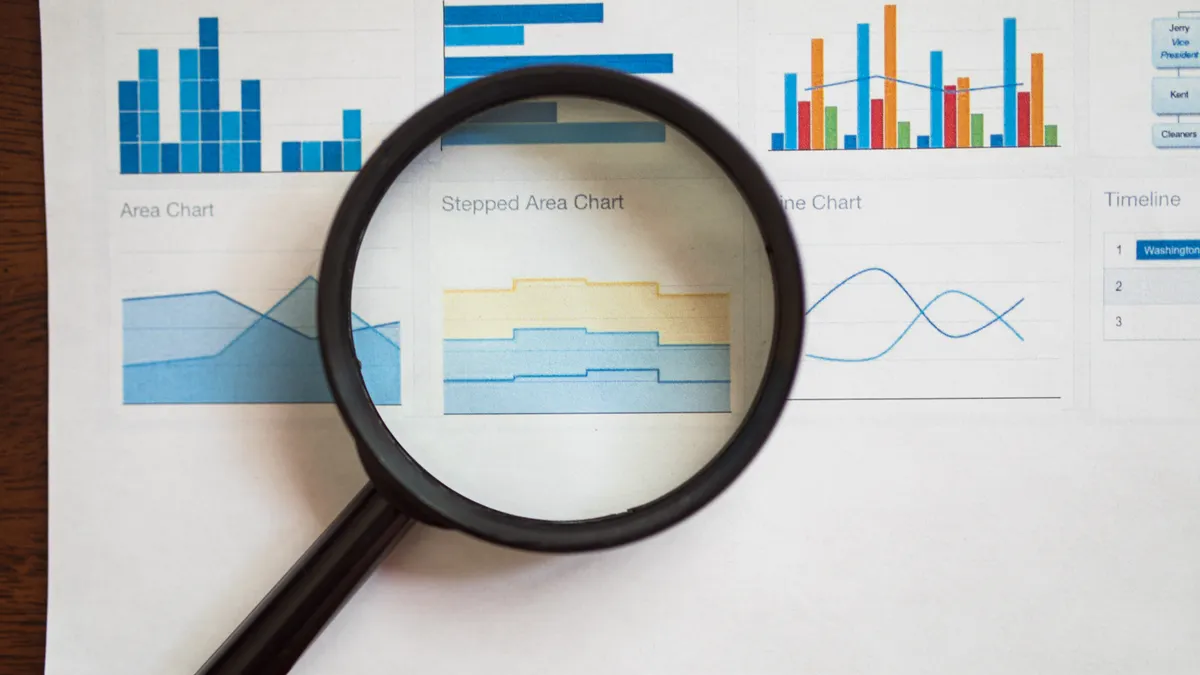
For agencies and teams, collaboration features matter more than vanity charts. Multi-user access, client-ready reports, permissions, and white-label export options are the features that keep a rank tracker useful once more than one person touches the account.
The main reason is simple: rank data is not only for analysis, it is for explaining work. A marketer needs to show a client why a page dropped from page one, why a local listing improved, or why a page with lower rankings may still generate more qualified traffic. That requires more than a dashboard screenshot.
I would prioritize scheduled reporting over flashy chart styles. A report that lands in an inbox every Monday at 8:00 a.m. is more valuable than a beautiful interface nobody opens. Some tools let you automate reports by tag, location, or project. That is the kind of feature that saves time every month.
Permissions matter too. If an agency manages 12 clients, not everyone should see every project. Role-based access reduces mistakes and keeps reporting cleaner. If the product has no meaningful user controls, it can become messy fast.
Here is the trade-off against a simpler, solo-friendly tracker: agency-grade tools are often heavier than a small business actually needs. If you only track 50–100 keywords, the overhead of user roles, branded reports, and complex workspace settings can be more hassle than help. In that case, you want reliability and clean exports, not a full collaboration suite.
The best fit here is usually an agency, in-house team, or consultant who needs to report to more than one stakeholder and who manages at least a few different keyword groups or locations. Skip this feature set if you just want a personal check-in tool.
The honest side-by-side
The simple tracker wins for speed and clarity. The enterprise-style tracker wins for control and scale. What matters is the job you need it to do.
| Criteria | Simple rank tracker | Enterprise-style rank tracker | Winner for this condition |
|---|---|---|---|
| Location tracking | Often covers country or basic city settings | Usually offers finer market and device segmentation | Enterprise-style for local SEO |
| Reporting setup | Faster to learn and easier to use | More customizable, but more complex | Simple for solo users |
| Keyword grouping | Basic folders or tags | Deeper taxonomy and filters | Enterprise-style for large keyword sets |
| SERP feature tracking | May cover the main features | Often broader and more detailed | Enterprise-style for volatile SERPs |
| Team permissions | Limited or absent | Role-based access is more common | Enterprise-style for agencies |
| Export options | Basic CSV or PDF | Usually wider report-control options | Enterprise-style for client reporting |
| Daily workflow | Cleaner for quick checks | Better for analysis, heavier to navigate | Simple for light monitoring |
| Historical depth | Can be enough for short trends | Better for long-term comparison | Enterprise-style for trend analysis |
| Cost to run in practice | Lower mental overhead | Higher cost in time and setup | Simple for small teams |
I would not read this table as “simple is weak.” Simple tools often win for a founder, freelancer, or in-house marketer who checks rankings once a week and wants a fast answer. Enterprise tools win when the data has to be sliced several ways before anyone trusts it.
The biggest hidden cost is not price; it is time. A dense rank tracker can eat 20 minutes a day in setup, filtering, and report cleanup. If the platform turns routine monitoring into a chore, that is a real cost even when the subscription looks reasonable.
What rank tracker features are easy to ignore but expensive to miss?
The features people ignore most often are notes, change annotations, and historical annotations tied to algorithm updates or site changes. Those are the small tools that make rankings interpretable months later.
A rank drop on its own is not a diagnosis. If a tracker lets you mark a content rewrite on May 12, a site migration on June 2, or a tag change for a page group, the chart becomes useful context instead of noise. That matters because SEO reporting often fails at the point where someone asks, “What changed?”
I would also pay attention to export format quality. A CSV export that dumps raw rows without clear columns is a trap. A useful export should preserve keyword, location, device, URL, ranking position, and date cleanly enough that another analyst can work with it. If a tool makes data hard to leave, that is a red flag.
Another feature with outsized value is competitor comparison, but only if it is practical. You do not need 20 rivals in one view. You need a small, stable set of competitors you can compare over time. If the product supports that without manual rebuilding, it earns its place. For broader benchmarking context, see Semrush’s overview of rank tracking metrics (rank tracking) and Ahrefs’ discussion of SERP tracking data (Ahrefs rank tracking).
The hidden downside: these features are often missing from entry-level plans. That does not make the product bad. It means the plan is meant for basic rank checking, not serious analysis. If the vendor does not clearly state whether notes, exports, or competitor views are included, assume you need to verify before buying.
Which features should you skip if you are buying for a small site?
You should skip advanced agency controls, oversized report libraries, and deep automation if you run a small site with one decision maker. A clean daily rank view and basic trend history are usually enough.
For a local shop, niche blog, or solo consultant, the best feature set is narrower than most sales pages imply. I would want:
– location-specific tracking
– mobile and desktop separation
– weekly or daily updates
– keyword grouping
– exportable reports
That is already enough to tell whether a page is gaining ground, stalling, or slipping. Adding complex permissions, multi-client workspaces, or white-label output can sound polished, but it can become dead weight if you are the only person reading the report.
The mistake here is buying for a future team that does not exist yet. I would rather see a small business start with a tool it will actually open than overbuy a platform with 40 settings and no routine.
The exception is if your small site depends on local intent or fast-moving SERPs. Then I would upgrade the feature set specifically for location accuracy and SERP detail, not because “bigger is better,” but because the ranking numbers without context can lead you to the wrong fix.
When should you choose a simpler tool instead?
You should choose a simpler tool when your main task is monitoring, not analysis. If you only need to know whether core keywords moved this week, a lighter product can be the better buy.
This is where many buyers overshoot. They want one platform to do keyword research, rank tracking, backlink review, site audits, and reporting. Sometimes that is sensible. Often it is not. A rank tracker is best when it stays focused on rank visibility and reporting, and when it does that one job well enough that you trust the output.
The line I would draw is this: if you need one or two markets, fewer than a few hundred tracked terms, and no client-facing approval workflow, keep it simple. If you need segmented markets, multiple stakeholders, and recurring reports tied to business units, choose the richer platform.
One clear drawback of the simpler route is that it can hit a ceiling fast. Once you add more locations, more authors, or more clients, you may outgrow it and have to migrate. That migration cost is real, so the “simple now, upgrade later” plan only works if your keyword program is stable.
The verdict
Choose the simpler rank tracker if you are a solo operator, small business owner, or in-house marketer who needs clean daily or weekly ranking checks without team complexity. Choose the more advanced tracker if you manage multiple locations, clients, or reporting layers and need finer control over location, device, and historical analysis. Neither if you only want vanity charts, do not plan to review the data regularly, or need keyword data so volatile that a rank tracker alone will not explain the business result.
Quick answers to common buying questions
Do I need local rank tracking?
If your business depends on city or neighborhood traffic, yes. Country-only tracking is too blunt for most local SEO work.
Is daily tracking enough?
For most sites, yes. Hourly tracking is usually only worth it for volatile SERPs or short campaign windows.
What is the most overlooked feature?
Notes and history. Without a way to mark site changes, ranking charts are hard to interpret later.
Should I pay for agency features if I work alone?
Usually not. Permissions and white-label reporting help teams, but they can be extra weight for a solo user.
What is the safest way to judge value?
Match the tool to the reporting job. If it saves time, keeps location data honest, and exports cleanly, it is doing the work you bought it for.
Drafted with AI; not yet reviewed by a person.
Leave a Reply